

Annual fee reviews: how to build your software costs into client fees

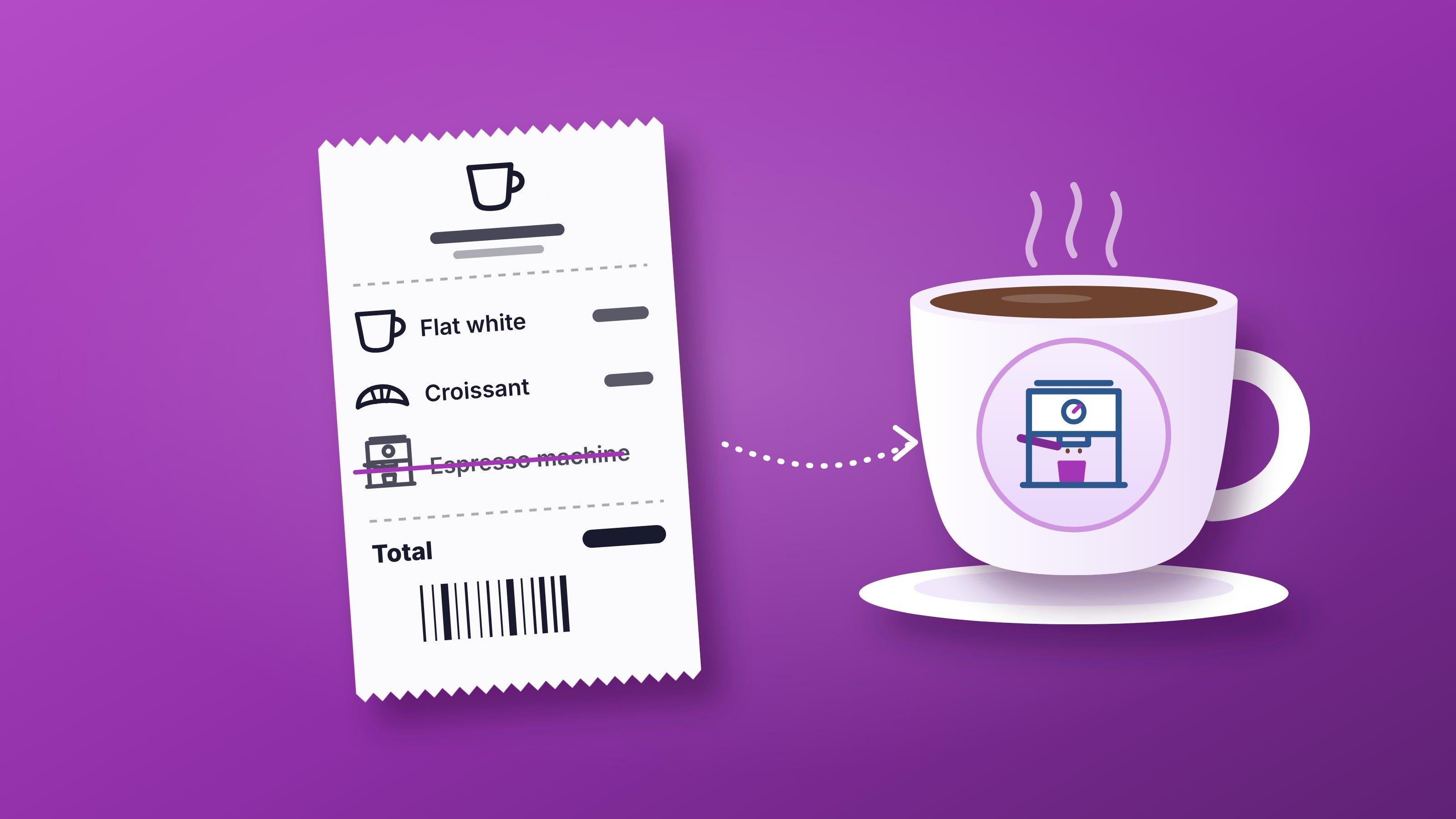
A coffee shop never charges you for the espresso machine: it is in the price of the cup. Here is how to build Fintura into your fees at your annual review, which costs are your firm's overhead, which belong to each client, and why CIPC's fees stay disbursements.
On this page
- Why is the annual fee review the right time to price in your software?
- Should your clients pay for your practice software?
- Which Fintura costs are the firm's and which are the client's?
- How do you recover Practice Management in your rates?
- How do you build Compliance into each client's fee?
- How do you build Tax into each client's fee?
- What does Fintura cost for one client?
- Why should you price annual compliance annually?
- Should Fintura appear as its own line on the invoice?
- How do you roll the new fees out to every client?
- Frequently asked questions
Price your software into your fees, never onto the invoice as a line of its own. Practice Management is priced per user, so it is your firm's overhead and belongs in your rates. Compliance is priced per entity and Tax per taxpayer, so each belongs in one client's fee. CIPC's own fees stay disbursements.
Every year around now, the firm owners I speak to in demos start the same job: the annual fee review. And somewhere in that conversation, the same question comes up about Fintura. Who pays for it?
My answer is a cup of coffee. When you buy a flat white, there is no line on the slip for the espresso machine. The machine cost the shop a small fortune, it makes every cup, and it is in the price of every cup. Nobody asks for it to be itemised, and nobody would pay for it twice.
Your software works the same way. But not all of it is the machine, and that difference is what this post is about.
I talk through the coffee shop analogy in a short video, if you would rather watch than read.
Why is the annual fee review the right time to price in your software?
Because it is the one conversation where every client expects their fee to change. The engagement letter goes out again anyway, the new fee starts on a date both sides agreed, and nobody is surprised.
Leave it until later and you have two problems. A second increase in the same year is a harder conversation than the first, and every month until the next review is a month your firm carries a cost that belongs to the client.
Should your clients pay for your practice software?
Yes, in the price, and never as a line called software.
Go back to the coffee shop. It costs its menu in two different ways. The machine is shared by every cup, so its cost is spread across the whole menu. The beans and the milk go into one cup, so they are costed into that cup. Both end up in the price you pay at the till; they just get there by different routes.

Fintura is priced the same way, on purpose. The part the whole firm uses is priced per user. The parts you use for one client are priced per entity and per taxpayer, so you always know which client a cost belongs to.
Which Fintura costs are the firm's and which are the client's?
Practice Management is the firm's. Compliance, Tax and SARS Correspondence Credits are the client's, and so are CIPC's own fees, which stay a disbursement.
| Cost | Price a month | Whose cost | Where it goes |
|---|---|---|---|
| Practice Management | R299, R499 or R599 per user | The firm's | Your rates and fixed fees, like any overhead |
| Compliance | R35, R55 or R95 per entity | The client's | That entity's compliance fee |
| Tax | R29, R79 or R99 per taxpayer | The client's | That client's monthly tax, VAT or payroll fee |
| SARS Correspondence Credits | R2 a letter, when it is opened | The client's | The client's correspondence fee, for a taxpayer not on Tax |
| CIPC's statutory fees | CIPC's own fee per filing | The client's | A disbursement, itemised as today |
| Your own company | Free, with Free Submit Access | Nobody's | Nothing to recover |
How do you recover Practice Management in your rates?
Treat it like the machine: one cost per person in the firm, spread across every client through your rates and fixed fees.
Practice Management is priced per user, a month: R299 on Essentials, R499 on Pro and R599 on Expert, and each person can sit on the tier their work needs. What practice management software costs works through a five-person firm, so I will not repeat it here.
It also earns its place on the overhead line. Firms on Fintura save 10 hours per accountant per week and recover R18,000+ per firm per month in unbilled revenue. And annual billing gives you two months free.
How do you build Compliance into each client's fee?
Like the beans: per entity, inside that entity's compliance fee, at the tier its package needs.
You choose a Compliance tier for each entity, so you can build your own packages on top of the three tiers. The names are yours to choose. This is the shape:
- A monitoring package on Track, at R35 an entity a month. Deadlines and CIPC changes watched and reminders sent, with any filing run as a once-off service when it is needed
- An annual compliance package on Manage, at R55. The annual return, the beneficial ownership filing and the compliance checklist, with Fintura's service fee included, plus the statutory registers. It is the tier marked Popular on our pricing page
- A full secretarial package on Submit, at R95. Fintura's service fee is waived on every compliance service apart from new registrations, so company and director changes, SARS, COIDA and UIF services carry only the statutory fee. That is what makes an "all changes included" retainer safe to sell
CIPC's own fees stay disbursements on every package, as they are today. A trust sits on Manage or above. And your own company costs nothing: Free Submit Access puts it on the top Compliance tier, with no paid plan needed.
How do you build Tax into each client's fee?
Per taxpayer, inside the client's monthly tax, VAT or payroll fee, at the tier the work needs.
Tax has three tiers: Track at R29 (every SARS letter in the platform, workflows and the Tax Compliance Dashboard), Submit at R79 (adds VAT or PAYE submissions) and All In at R99 (both). AI SARS correspondence is on every tier.
For an individual you see once a year, there is no need for a subscription. SARS Correspondence Credits cost R2 a letter, charged only when a letter is opened, and they never expire.
The principle is the one to hold on to: if the work is done for one client, its cost goes in that client's fee.
What does Fintura cost for one client?
Each client carries only its own share, at the tier its work needs. Three examples at today's list prices:
| Client | What it needs | A month | A year | A year, billed annually |
|---|---|---|---|---|
| A trading company registered for VAT and PAYE | Compliance Manage and Tax All In | R154 | R1,848 | R1,540 |
| A holding company and a family trust | Compliance Manage on each | R110 | R1,320 | R1,100 |
| A dormant company | Compliance Track | R35 | R420 | R350 |
These are Fintura's list prices: the floor under your fee, not your fee. What you charge is what the work is worth. The calculator on our pricing page runs the same sums for your whole client book.
Why should you price annual compliance annually?
Because that is how Fintura commits it.
Practice Management, Tax and Compliance Track are month to month. An entity on Compliance Manage is committed for 12 months once an annual return or a beneficial ownership filing is run for it, and Submit is a 12 month commitment, because those services are included in the subscription.
So price the annual compliance work (the annual return, beneficial ownership and the compliance checklist) as an annual fee in the engagement letter. Your client's commitment then matches yours, and a client who leaves halfway through the year has already committed to the year you committed to on their behalf.
Should Fintura appear as its own line on the invoice?
No. The coffee shop does not list the machine, and neither should you.
Your client is buying the outcome: the return filed, the deadline met, the letter answered. A line called software invites the one question nobody wants at a fee review, "why am I paying for your software?", and it is the first line a client tries to negotiate down. It also ties your price to a supplier's price list, when it should be tied to the value of the work.
CIPC's fees are different. They are the client's statutory cost, clients expect to see them itemised, and they stay a disbursement.
One practical note: Fintura is not a VAT vendor, so the price you see is the whole cost to build in, with no input VAT to claim.
How do you roll the new fees out to every client?
Reissue the engagement letters with the new fees, in bulk, and let them bill themselves.
In Fintura you update the fee schedule in your template, renew every engagement in bulk before it lapses, and send them out for electronic signature. When a client signs, the retainers created at signing bill the recurring fees every month, and the invoices go through Xero, Sage, QuickBooks or Zoho. Creating and sending engagement letters is on Practice Management Expert.
The tour on the engagement letters page shows a renewal go out and come back signed.
Frequently asked questions
Can I pass Fintura's cost on to my clients?+
Yes. Compliance and Tax are priced per entity and per taxpayer, so each cost belongs to one client and can sit inside that client's fee. Practice Management is priced per user and is recovered through your rates, like any overhead.
Does Fintura charge VAT?+
No. Fintura is not a VAT vendor, so the price shown is the price you pay.
Can each client be on a different tier?+
Yes. You choose a Compliance tier for each entity and a Tax tier for each taxpayer, so a dormant company can sit on Track while a trading company sits on Manage.
What happens if a client leaves before the year is up?+
Practice Management, Tax and Compliance Track are month to month. An entity on Compliance Manage is committed for 12 months once an annual return or a beneficial ownership filing is run for it, and Submit is a 12 month commitment, which is why annual compliance is best priced as an annual fee.
Do I pay for my own company?+
No. Free Submit Access puts the company you sign up with on the top Compliance tier at no charge, with no paid plan needed.
Keep reading
What practice management software costs for South African accountants
Practice management software for a South African accounting firm is priced per user, per month. Here is what Fintura's three tiers cost and include, what a five-person firm pays monthly and annually, the costs a quote often leaves out, and how other practice management tools price.
Read more



VAT201 returns for every client: how accounting firms prepare, approve and submit in bulk
An accounting firm does not file one VAT201. It files one per VAT-registered client, from different ledgers, due on the same day. Here is how a firm prepares, gets approval, submits, loads payment and sends receipts for every client's VAT201 in one run, with the SARS due dates and categories as a reference.
Read more
Fintura Sage Integration: Setup Guide for SA Accountants
Step-by-step guide to connect Fintura to Sage Business Cloud. Push invoices from time entries, sync quotes and clients, and automate billing.
Read morePut the reading into practice.
Start for free in minutes, or book a demo to see Fintura on your own portfolio.
